How Do I Ask Customers for Google Reviews Without It Feeling Awkward?
Most happy customers will leave a review if you ask at the right moment and make it easy. Here is how to ask naturally, with wording you can copy.
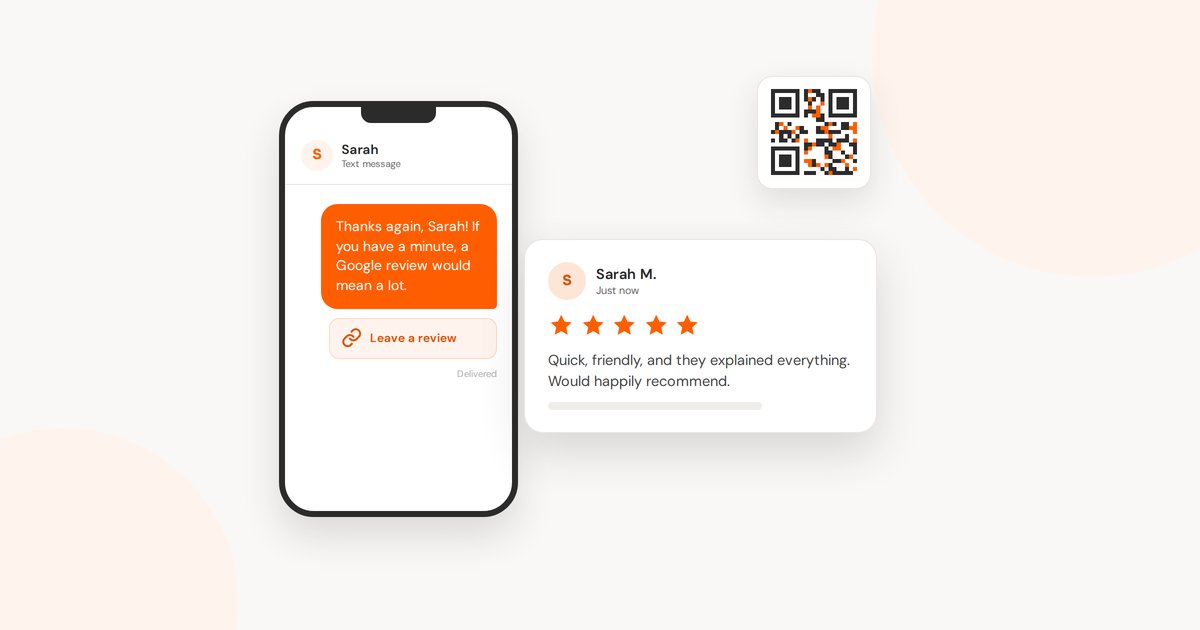
Most owners I work with have plenty of happy customers and only a handful of Google reviews. It isn't that customers don't want to help. Nobody asked them at the right moment, or the asking felt so uncomfortable that it never really happened.
The good news is that asking for a review is a small, repeatable habit. Once it's part of how you finish a job, it stops feeling like asking for a favour.
Why Reviews Are Worth the Effort
When someone searches for a business like yours, your reviews are often the first thing they read, before your website and before they call. A steady trickle of recent reviews tells a stranger that real people chose you lately and were glad they did. Reviews also feed into how Google ranks businesses in the map results. More and more, AI answers in Google draw on what reviewers say about you, too.
Ask at the Moment They're Happiest
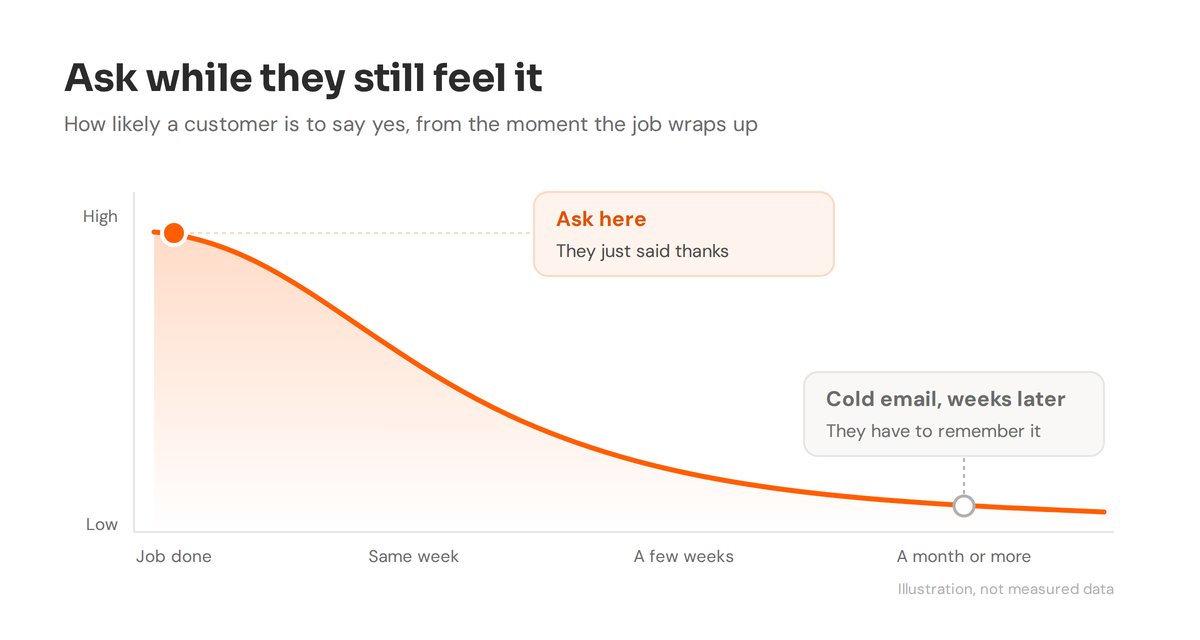
Timing does most of the work. The best moment is right after the customer tells you they're pleased: when they thank you at the counter, when you hand over the finished job, or when they send a nice text. At that moment, asking feels like a natural next step instead of a chore.
If you wait two weeks and send a cold email, you're asking them to remember how they felt. Ask while they still feel it.
Make It One Tap
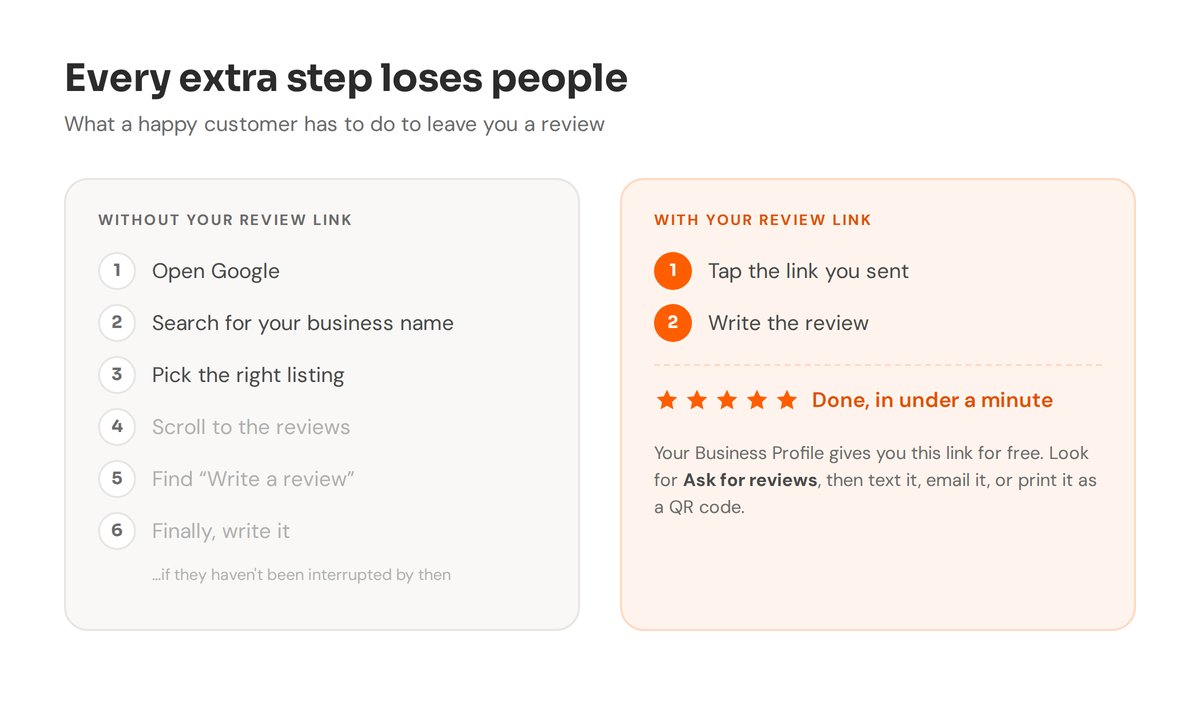
Every extra step loses people. Google gives you a direct review link, so customers don't have to search for your business, scroll, and find the button.
In your Google Business Profile, choose Ask for reviews. Google gives you a short link and a QR code. Save the link somewhere you can paste it in seconds, and print the QR code for your counter, your invoices or the back of a business card.
Wording You Can Copy
Keep it short and personal. Use their name and mention the actual job.
In person
“I’m really glad this worked out. Would you mind leaving a quick Google review? It makes a big difference for a small business like mine. I can text you the link.”
By text, right after the job
“Thanks again, [Name]! If you have a minute, a Google review would mean a lot: [link]”
In a follow-up email
“Thank you for choosing us for [the job]. If you were happy with how it went, would you share a few words on Google? It helps other people in [town] find us. [link]”
A Few Rules to Stay on the Right Side of Google
- Ask everyone, not only the customers you expect to be thrilled. Google doesn't allow picking and choosing who gets asked.
- Don't offer anything in return, like a discount, a draw entry or a free extra. Google treats that as a paid review and can remove it.
- Don't write reviews for customers or post them from staff or family accounts.
Asking honestly is all you need. Happy customers are glad to help when it's easy.
Reply to Every Review
Replying shows the next reader there's a real person behind the business. A short, warm thank-you is plenty for good reviews, and it's even better if you mention the job. For a critical review, stay calm, thank them for the feedback, and offer to sort it out directly. People reading later mostly want to see how you handle it.
Build It Into Your Routine
The businesses with strong reviews usually aren't the ones with the most customers. They're the ones that ask every time. Pick one moment in your process, like the invoice, the pickup or the final walkthrough, and make the ask part of it. Within a few months, the reviews take care of themselves.
If you'd like help setting up your review link, QR code and a simple ask that fits your business, that's part of the Google Business Profile work I do. The free checkup also shows how your profile compares with others nearby.
Want more reviews without the awkwardness?
I can set up your review link and QR code, and help you find the right moment to ask.